Online sociometric test: how to run it in class
A sociometric test is two or three questions in which each student names classmates. Prepared well, it fits into one lesson and gives you a map of the relationships in the group. Here is how to do it, what to tell the class and what to avoid.
- Ask about specific situations and let students name 3 classmates per question.
- The whole class answers at the same time, quietly, without looking at each other's screens.
- Explain what it is for and that nobody else will see the answers.
- Rejection questions only if you need them, and always optional.
What students see
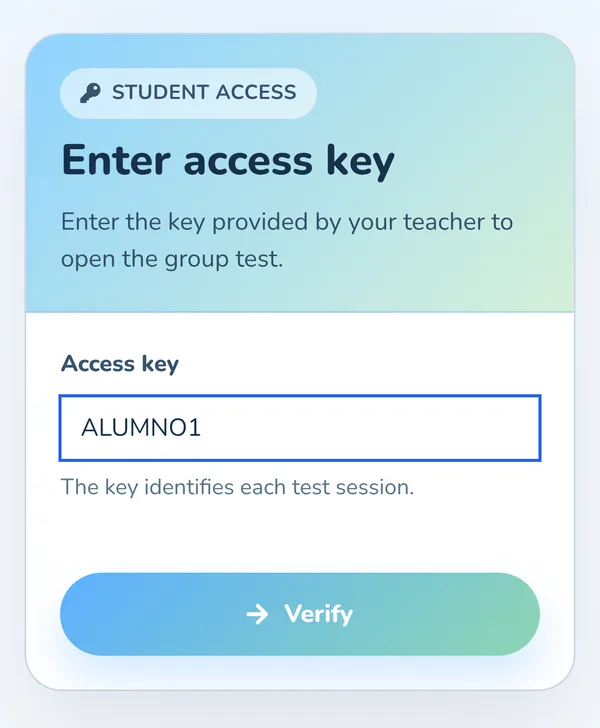
Students open sociogram.app on their phone, type the code you give them, choose their name and tap the classmates they want to name in each question. No account, no email.
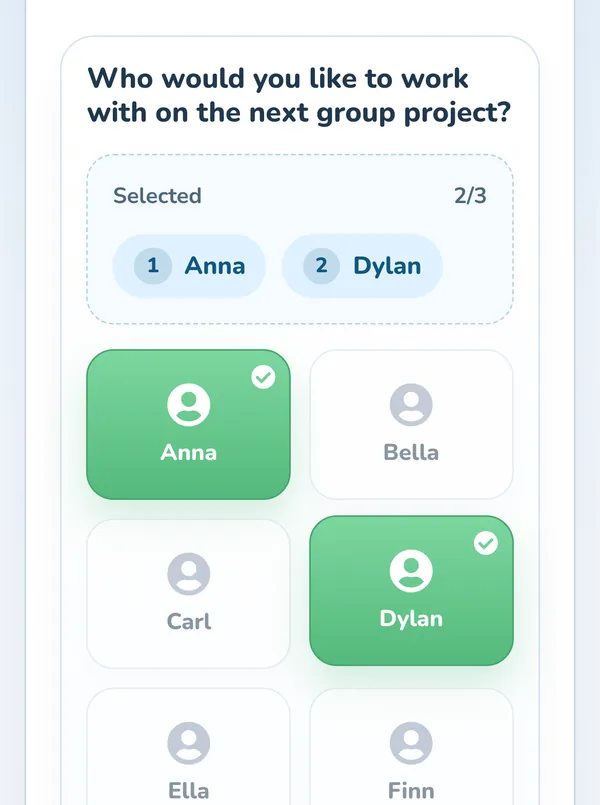
The app stops students from choosing themselves, warns them if they try to pick more classmates than allowed and won't submit until every required question is answered.
Before the lesson: prepare the test
| ☐ | A clear purpose. Forming teams, understanding a conflict, checking how the group is doing. |
| ☐ | A concrete, real situation: "the next group project", not "who is your best friend?". |
| ☐ | 2–3 questions, with 3 names each. See examples and ready-to-import templates. |
| ☐ | Rejection questions only if they serve your purpose, always optional and agreed with your counsellor or pastoral lead. |
| ☐ | A complete class list. If someone is missing from the list, nobody can choose them. |
| ☐ | School policy. With under-18s, check whether parents need to be informed. |
| ☐ | Devices. If not everyone has a phone, classroom computers work: each student picks their own name. |
In class: what to say before you start
How you introduce it changes the quality of the answers. This script works well; adapt it to the age of the group:
- Write the code and sociogram.app on the board.
- Arrange the room so nobody can see another screen.
- Don't discuss answers out loud or reply to "who did you put?".
- Allow about 20 minutes: the median for a whole class in Sociogram, explanation included.
Afterwards: open the analysis
Answers arrive instantly. The analysis shows the group indicators, who was chosen and who was rejected, the sociogram and the reciprocity matrix.
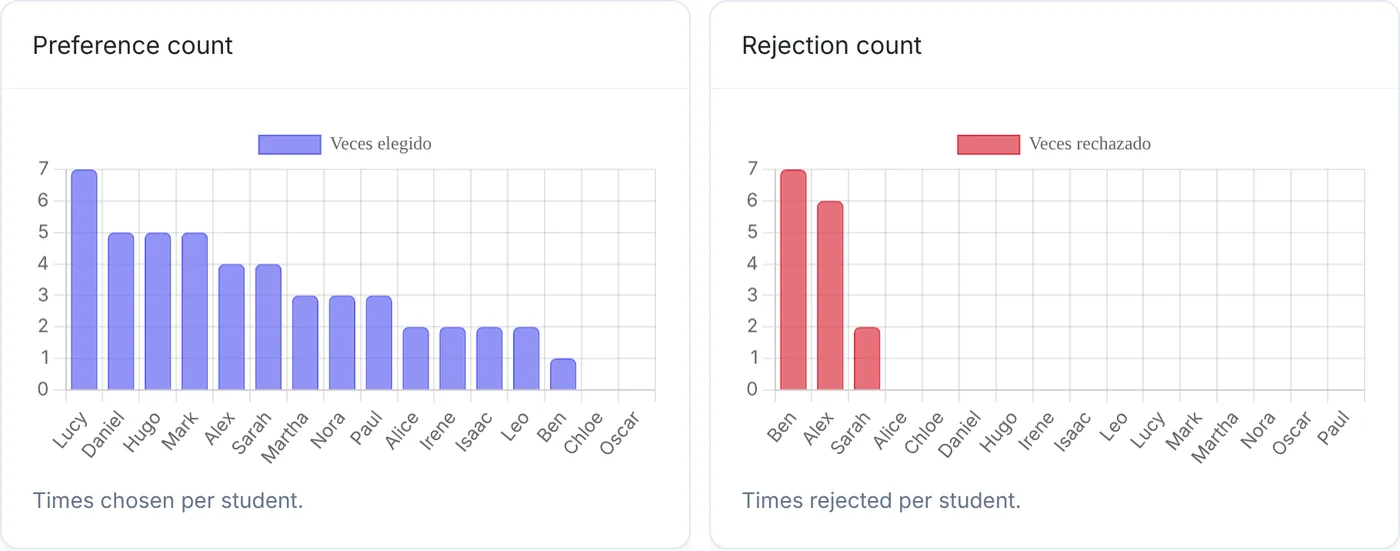
To interpret it step by step, with indices and sociometric status, read how to make a sociogram or the worked example.
Common mistakes
Abstract questions
"Who do you like most?" measures popularity. Ask about something that is actually going to happen.
Splitting the class
If half answer today and half next week, the first half will already have compared notes.
Sharing results
Telling a student nobody chose them hurts, and destroys trust for next time.
Not following through
If you say you'll use it to build teams, do it. Otherwise next time they'll answer at random.
Frequently asked questions
How long does it take a class to answer?
In Sociogram, the median time for a whole class to finish is about 20 minutes, including the explanation and slower starters.
What if a student is absent?
They can answer another day with the same code. Remember that classmates could still choose them or not on the day.
Should I include rejection questions?
They are optional. They reveal things choice questions cannot, but they should be optional for students, discussed with your counsellor or pastoral lead and in line with school policy.
Can students see the results?
No. Only the teacher who created the test.
Do I need students' emails or personal data?
No. The test only needs one name per student, which can be a first name or initials.